 How-to
How to Verify a Female Driver's Identity Before You Ride
Last Updated: October 30, 2026
Quick Summary
To verify driver identity before a ride, compare the driver's name, photo, car make and model, and license plate against the details shown in the app before you get in. If any detail does not match, do not get in; cancel and request a new ride.
- Check the license plate in the app against the car, character by character.
- Compare the driver's photo to the person at the curb, looking at overall build and features, not one feature.
- Ask the driver to confirm your name before you open the door.
- Never switch to a different car without confirming the new vehicle in the app first.
- Use live trip sharing to let a friend follow your ride.
Table of Contents
- Why Verifying a Driver's Identity Matters Before You Ride
- Rideshare Safety Checklist Before Getting In
- Rideshare Driver Photo and License Plate Check
- How to Request a Female Rideshare Driver
- What to Do If a Rideshare Driver Does Not Match the App
- Protecting Privacy While You Verify Identity
- Booking Your Next Verified Ride With ZENDARYDE
- Frequently Asked Questions
Why Verifying a Driver's Identity Matters Before You Ride
Verifying a driver's identity is one of the simplest ways to protect yourself on a rideshare trip, so make it a habit to verify driver identity before every ride. Before you get into any car, you should confirm that the person driving is the same person the app assigned. The app is designed so riders can see who is behind the wheel before they step inside.
Here is the core idea: the app tells you who should pick you up, and your job is to confirm the match. A quick check is worth doing every time, not just on the nights when something feels off.
Verification also protects drivers. Confirming identity is a sensible step for both riders and drivers.
Rideshare Safety Checklist Before Getting In
Run through this short checklist each time a car pulls up:
- Check the driver's name in the app against the name the driver says.
- Check the driver's photo against the person at the curb.
- Check the make, model, and color of the car.
- Check the license plate against the number shown in the app.
- Ask the driver to confirm your name before you open the door.
- Share your trip with a friend using live trip sharing.
If any item does not match, do not get in. Cancel the ride and request a new one.
Watch out: Drivers sometimes ask you to ride in a different car to avoid a wait. Never switch cars without confirming the new vehicle in the app first.
Rideshare Driver Photo and License Plate Check
Start by looking at the driver's photo in the app. Compare it to the person walking up to your car. Look at face shape, hair, and general build, not just one feature. Photos can be old, so use the full picture.
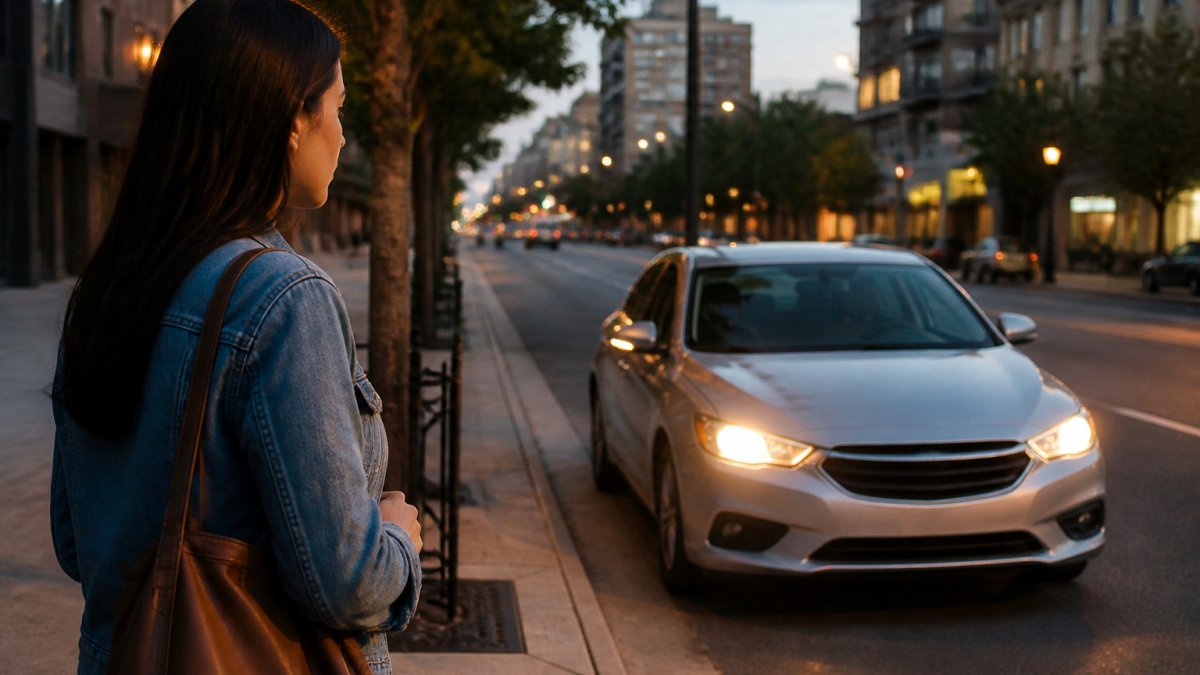
Next, match the license plate. The plate in the app should match the car exactly, character by character. A plate that is close but not identical is a reason to stop.
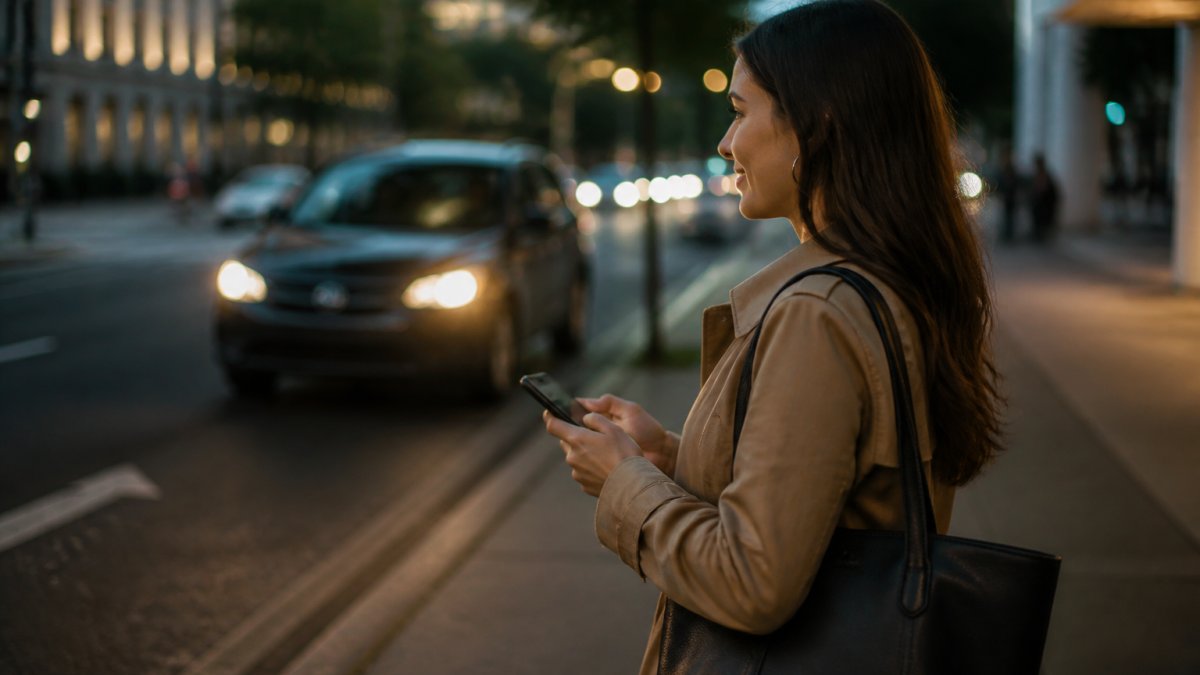
A young woman standing on a city sidewalk at dusk, glancing at her smartphone to compare a driver's photo and the license plate of a silver sedan pulling up to the curb
Finally, use the ZENDARYDE in-app details to confirm the vehicle. If the car is an EV, the app will show that too, so the details should line up.
How to Request a Female Rideshare Driver
ZENDARYDE offers a Femme-Safe option that matches riders with women drivers.
Matching depends on the drivers available at the time you book, so plan ahead for late-night trips.
After the match, run the same identity check described above. A women-driver match and identity verification are two separate steps you can take together.
What to Do If a Rideshare Driver Does Not Match the App
A mismatch does not automatically mean fraud. Names change, photos age, and gender markers on a license may not reflect how a person presents. What matters is that you follow the same neutral procedure every time, so you are responding to evidence rather than appearance.
Step 1: Pause before you open the door
Stay on the sidewalk in a lit, public spot. Do not hand over your phone, do not get in "just to check," and do not let the driver move the conversation away from the app. The app is your reference record; the curb is the claim being tested.
Step 2: Compare the four data points, in order
- Plate, character by character against the app. A plate that is close but not identical (one digit off, different state tag) is a stop, not a maybe.
- Vehicle, make, model, color, and any app-listed detail such as an EV badge or accessible-vehicle tag.
- Photo, general build, face shape, and hair, not a single feature. Old photos are common; a photo that is clearly a different person is not.
- Name, the name the driver gives should match the app. A nickname is normal; a completely different name is a clarifying question, not an accusation.
Step 3: Ask one respectful clarifying question
If the plate and vehicle match but the person or name does not, ask a single neutral question through the in-app chat or call: "The app shows [name] in [vehicle] with plate [number], can you confirm you're the assigned driver?" This gives an honest driver room to explain a name change, a substitute vehicle, or a shared-account situation without being asked to prove their gender.
Step 4: Decide with a clear rule
- Plate and vehicle match, person plausibly matches photo, name confirmed → proceed.
- Plate matches but vehicle or person clearly does not → do not get in; cancel and rebook.
- Driver asks you to switch to a different car "to save time" → decline. A substitute vehicle is a mismatch even if the driver is the same person.
- Driver cannot or will not confirm the assigned name → cancel and report.
Step 5: Escalate through the established channel
Use the in-app report flow rather than a public post or a direct confrontation. If you feel unsafe at any point, use the in-app SOS or call 911. A cancelled ride is a small inconvenience; an unverified car is not.
What a mismatch can legitimately mean
| What you see | Common innocent explanation | When to escalate |
|---|---|---|
| Different first name | Preferred name or recent name change | Driver cannot confirm the assigned name |
| Photo looks older | Outdated profile photo | Person is clearly a different individual |
| Gender marker or presentation differs | Transition, privacy, or document lag | Never escalate on this alone |
| Different car | Rental or vehicle swap | Plate or vehicle does not match the app |
A short, consistent script beats improvisation. The goal is to confirm the assigned driver, not to audit anyone's identity beyond what the trip requires.
Protecting Privacy While You Verify Identity
Verification works best when it collects the least. A sensible approach is to confirm the match using as few personal details as possible and keep them in the app.
What you actually need to verify a driver
You need four things, and no more:
- The assigned name shown in the app.
- The vehicle make, model, color, and plate.
- The profile photo on file.
- The trip record in the app that ties those together.
You do not need a driver's license number, home address, date of birth, gender marker, or a photo of their license. Asking for those goes beyond the purpose of the check and creates a privacy risk for the driver.
Avoid outing anyone
A driver's gender marker, legal name, or transition status is sensitive personal information. Do not ask a driver to "prove" they are a woman, do not comment on whether their appearance matches a photo, and do not repeat a name or marker you saw in the app to other people. If a rider requested a women-driver option, the platform, not the rider, is responsible for matching on that attribute. The rider's job is to confirm the assigned driver, not to re-verify gender at the curb.
Limit recording and sharing
- Do not record the driver or the vehicle without consent. A dashcam or phone recording of a pickup can capture a driver's face, plate, and location and may violate state wiretap or privacy law.
- Do not post screenshots of driver details, plates, or trip records to social media. Report through the app instead.
- Use in-app chat and calling rather than exchanging personal phone numbers, so the record stays with the platform.
- Share your trip with a trusted contact using live trip sharing rather than forwarding screenshots of the driver's profile.
What the platform should do with the data
When evaluating any rideshare platform, it is reasonable to ask whether driver documents are visible to riders, how long trip records are retained, and how a women-driver request is handled. Those questions matter more than any single checklist item.
A fair process is a private one
Privacy and safety are not in tension here. The less sensitive data you collect at the curb, the less there is to leak, misuse, or use to discriminate. Verify the match, keep it in the app, and leave the driver's personal details out of it.
Booking Your Next Verified Ride With ZENDARYDE
When you are ready to ride, book through the app and use the verification steps above every time. ZENDARYDE offers upfront fares, so you can see the price before you confirm, and the Femme-Safe option gives you the choice of a women driver. Compare upfront fares and no-surge pricing for Austin and fixed-price trips to nearby cities before you confirm. Check current fares in the app or on the ZENDARYDE website before you book.
For a more detailed walkthrough of safe rides, see our guide on finding safe rides home. If a driver ever does not match the app, our driver support guide explains the help options available to you.
Before you go, check what is new in the app. Check the app for recent feature updates.
Frequently Asked Questions
How can I confirm that my rideshare driver is the person shown in the app?
Open the trip details in the app and compare the driver's name, photo and vehicle description with the person and car in front of you. Ask the driver to say your name or the name shown in the app before you get in. A legitimate driver will usually confirm without hesitation. If the details still do not line up, do not get in and contact support through the app to report the mismatch.
Can I request a female rideshare driver?
Yes, on ZENDARYDE you can book a Femme-Safe ride, which is matched with women drivers. Select the Femme-Safe option when you request the ride. Matching depends on driver availability in your area at the time you book, so a wait may be longer than for a standard ride. ZENDARYDE offers upfront fares, so you can see the price in the app before you confirm.
What should I do if the driver's photo does not match the person who arrives?
Do not get in. Stay in a safe, visible place and ask the person to confirm the name on the trip. Cancel the ride in the app and report the mismatch through the in-app support channel. If you feel unsafe at any point, use the one-tap SOS feature to share your live trip with trusted contacts. If you are in immediate danger, call 911.
Is it safe to share my name with a rideshare driver?
Sharing your first name is a common and reasonable way to confirm a pickup, and it is usually the only personal detail a driver needs. You do not have to share your full name, phone number or home address. Keep the conversation brief, and let the app handle contact and route details.
Verifying identity takes seconds, and it can prevent serious problems. Book your next ride with ZENDARYDE, check the match every time, and enjoy a trip you can trust.